Styles
Watercolor tattoos
Loose paint splashes, dreamy color bleeds, zero hard outlines — like a brush exploded on purpose. With InkPreview you design Watercolor pieces with AI, preview them photorealistically on your own skin, and walk into the studio with a print-ready artist file.
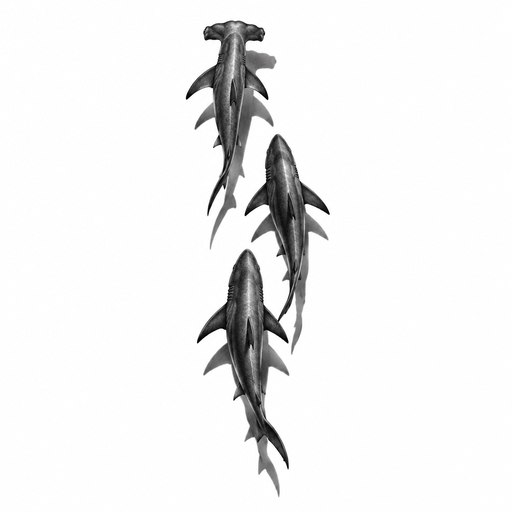
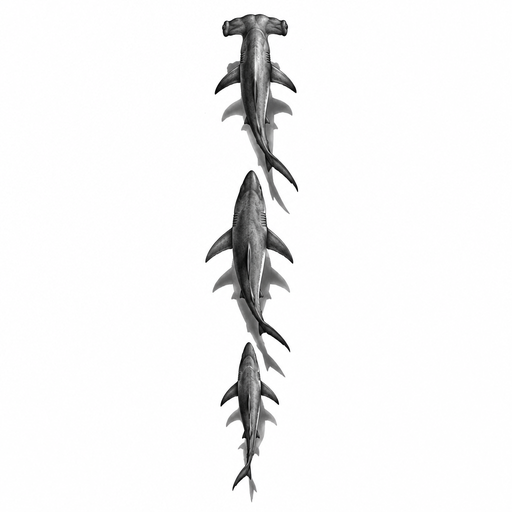
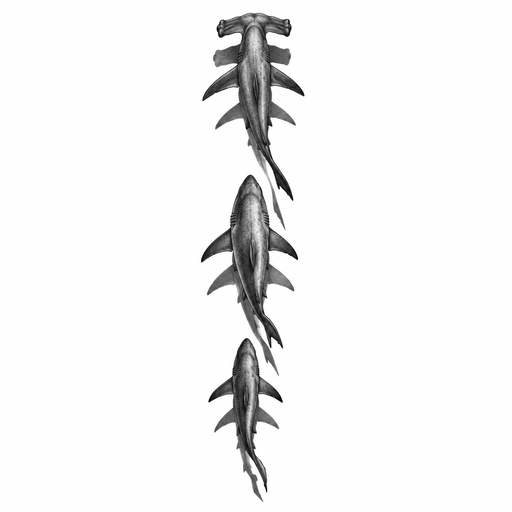
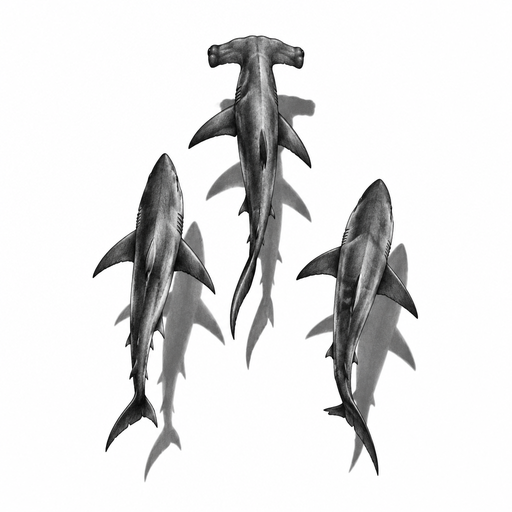
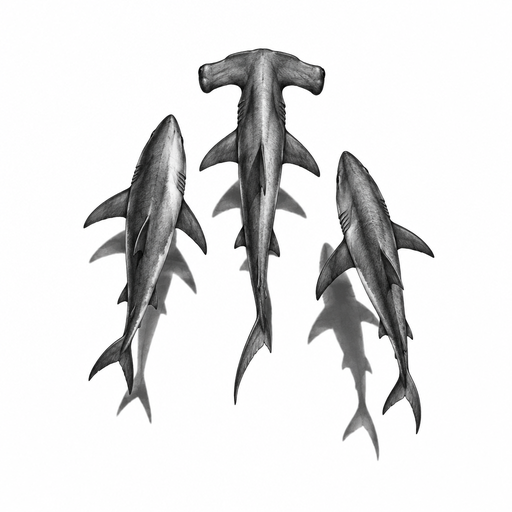
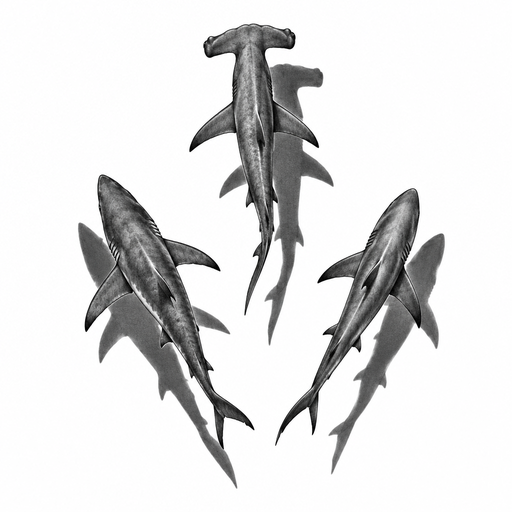
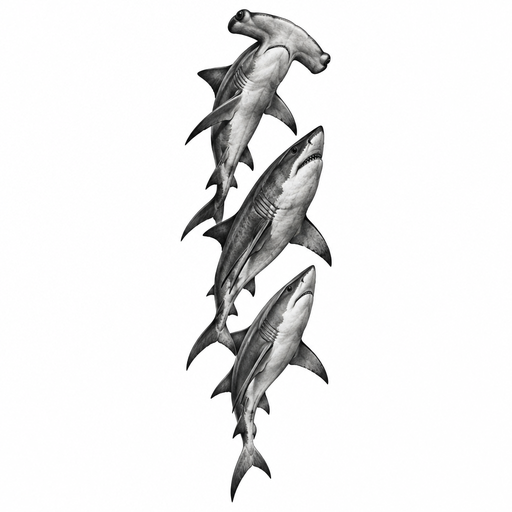
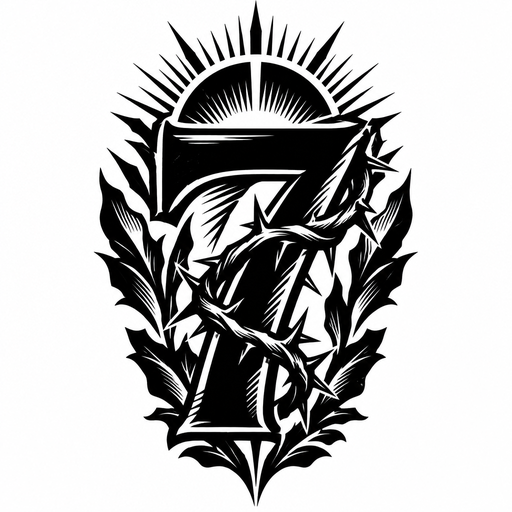
Fresh examples from the community
How it works
- Describe your tattoo — the AI generates a clean, artist-ready design.
- Snap or upload a photo of the spot and place, resize, and rotate it live.
- The AI inks it realistically into your skin — export the artist file + stencil.
Frequently asked questions
Can AI design a Watercolor tattoo?
Yes. InkPreview generates Watercolor tattoo designs from your description — clean, artist-ready flash in black-and-grey or color. You control detail level and line weight, and can spin up unlimited variants.
How do I see what a Watercolor tattoo looks like on me?
Upload a photo of the spot or use the live camera, tap to place the design, resize and rotate it freely — the AI renders it photorealistically into your skin with proper occlusion and 3D wrap.
Can my tattoo studio use the exported file?
Yes. The export includes a print-ready artist file (2048 px, 300 DPI PNG) plus a stencil version for thermal printers — exactly what studios work with.
How much does it cost?
Starting is free with no signup. You can generate designs and preview them on your own skin right in the browser.
Explore tattoo styles
Popular placements
Create your ownFree to try · no signup